Beyond the UI: Will AI Replace Traditional Software Interfaces?
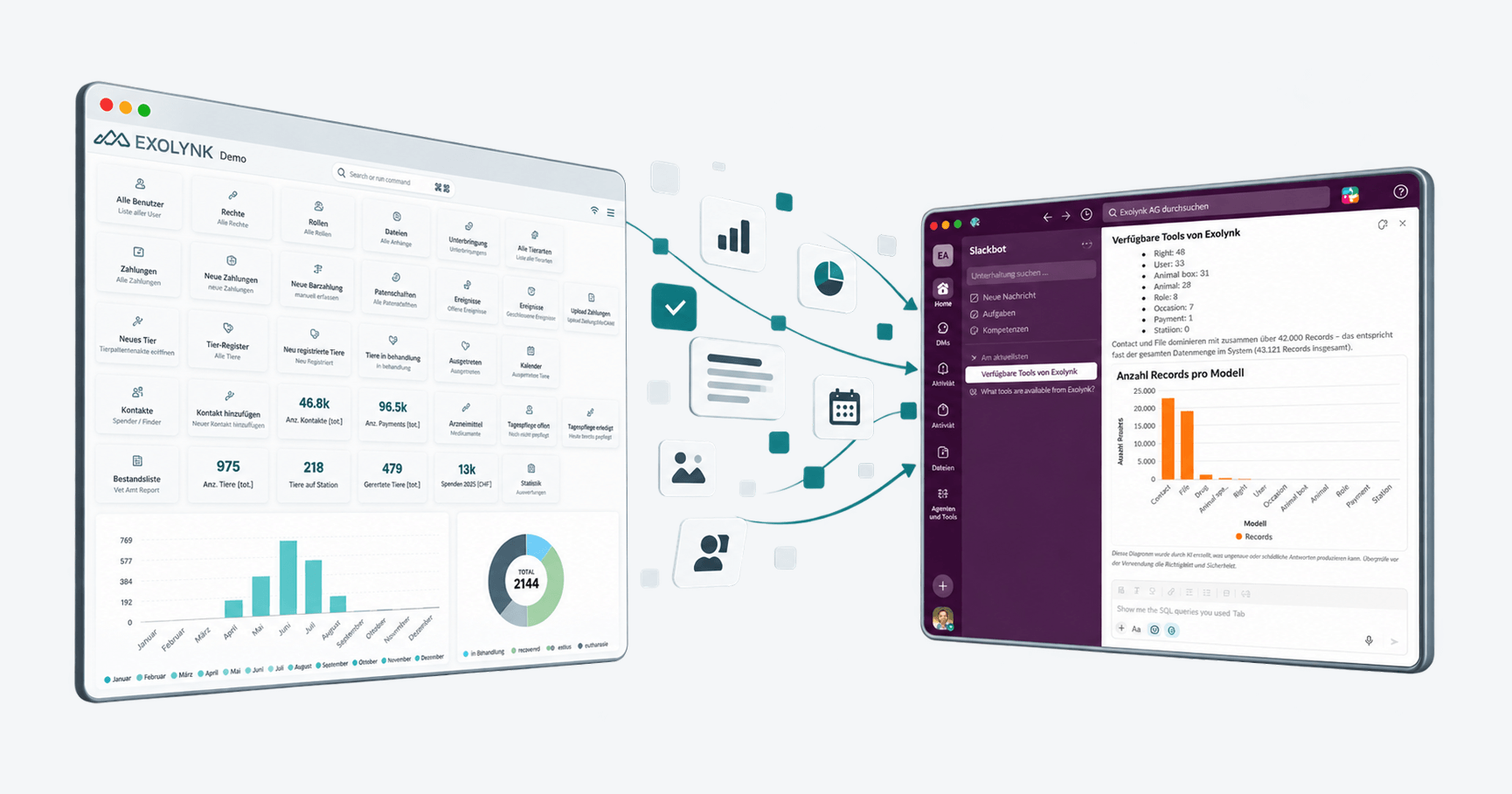
Setting the Scene: Dreamforce ‘26 and “AI Replaces the UI”
At Dreamforce ‘26, Salesforce unveiled what it called its big announcement of the year: AIforce. In front of roughly 12,000 attendees, CEO Marc Benioff framed it not as an incremental product update, but as the end of an era — the era in which people open an application, navigate a dashboard, and click through forms to get work done.
“AI is creating an interface revolution,” Benioff said. “We are combining model intelligence with all the context that customers have built into Salesforce to create an intelligent, dynamic, composable system.”
Patrick Stokes, President of Applications and Marketing at Salesforce, put it more bluntly in a press briefing ahead of the announcement: “I think the value of Salesforce has never been in the UI. It’s been in the platform that stores the way our customers encode their business. The UI is probably the thing that often gets in their way and slows them down… it kind of disaggregates the UI and brings AI in to kind of replace it.”
That is a striking thing for the world’s largest CRM vendor to say about its own product. It is also, as far as the underlying idea goes, not new — and that is exactly what makes this a good moment to talk about where this is actually headed.
What Salesforce Actually Announced
Stripped of the keynote framing, AIforce is a bundle of integrations that let AI assistants act on Salesforce data and workflows from outside the Salesforce application:
- Claudeforce — a partnership with Anthropic that packages Salesforce’s data and business logic into a prebuilt MCP server inside Claude, with dozens of prebuilt sales skills.
- Slackforce — lets people query, update, and act on Salesforce records directly from a Slack conversation, without opening the CRM.
- Agentforce Coworker — an AI teammate embedded in the Lightning interface itself, operating within existing permissions.
- The Headless Toolkit — the underlying architecture: MCP servers, APIs, and developer tools that expose Salesforce’s platform to any AI interface a customer wants to build.
The pitch is that agents can reason across a company’s records, logic, and permissions from wherever people already work — Slack, Claude, or a custom interface generated on the fly by describing what you need — instead of forcing everyone through one fixed set of screens.
Every request still runs on existing permissions, and Salesforce is explicit that it operates under a “zero data retention” policy with the model providers it partners with. In other words: the architecture stays deterministic (data, business logic, permissions), while the interaction layer becomes probabilistic and conversational.
The Real Question: Do Business Applications Need a GUI at All?
That architectural split — deterministic backend, probabilistic interface — is the interesting part, and it is bigger than any one vendor’s product launch.
For decades, “using software” has meant learning where things are: which menu, which tab, which field. The interface was the product, in a sense — a huge share of enterprise software spend went into building and maintaining screens that mapped business logic into something a human could click through.
Large language models change the economics of that mapping. If a model can reliably turn “show me every open invoice from customers in Zurich over 90 days” into the correct query, the correct filtered view, and a correctly formatted answer, the dashboard that used to require a product manager, a designer, and a sprint to build becomes optional. It can be generated on demand, in whatever channel the person happens to be working in.
That does not mean the GUI disappears. Some tasks are genuinely visual and spatial — comparing layouts, reviewing a floor plan, editing a complex form with many interdependent fields, or scanning a dense table for an outlier. Nobody wants to describe a Gantt chart in prose. What changes is that the GUI stops being the only way in. It becomes one surface among several — alongside chat, voice, and agents that act autonomously within guardrails a human has approved in advance.
The practical shift, then, is not “no more interfaces.” It is: the interface becomes a byproduct of the data model and the permissions underneath it, generated as needed, rather than the fixed starting point everyone has to design around.
---
config:
  flowchart:
    wrappingWidth: 240
---
graph LR;
    GUI["Dashboard / GUI"] --> Core[("Business Data,
Logic & Permissions")];
    Chat["Chat: Claude / ChatGPT"] -->|MCP| Core;
    Msg["Slack / Voice / Custom UI"] -->|MCP| Core;
    Agent["Autonomous Agent"] -->|MCP, governed| Core;
Every arrow into that governed core can carry the same permissions and audit trail, regardless of which surface a person or agent happens to be using — which is exactly the architecture both AIforce and Exolynk’s MCP integration are built on.
We Got There First: MCP in Exolynk Since 2025
This is the part where the Dreamforce framing feels a year late from where we sit. On August 30, 2025 — more than a year before AIforce — we demonstrated exactly this pattern live at Vibe Code Fest in Zurich : native Model Context Protocol integration inside the Exolynk Low-Code Platform.
MCP, originally developed by Anthropic and since adopted by OpenAI, Google, and others, is the same open protocol Salesforce is now building Claudeforce on top of. The idea is identical to what Benioff described on stage: instead of a person copying data out of a business system, explaining context to a chatbot, and pasting the result back in, the AI assistant connects directly to the system’s data, logic, and actions.
In our live demo, a fleet-management app built on Exolynk was operated entirely through natural-language prompts in Claude — no dashboard required:
- “Give me an overview of the fleet” pulled live data straight from the database.
- A photo of a vehicle registration document, uploaded through the chat, was read, structured, and turned into a new record automatically.
- A service invoice, uploaded the same way, was interpreted and attached to the correct vehicle’s maintenance log.
- “Chart average prices per category” produced a live visualization in the dashboard from a single spoken instruction.
None of that required a purpose-built screen. It required a data model, clear business rules, and an AI assistant with governed access to both — which is precisely the “deterministic foundation, probabilistic interface” architecture Salesforce is now describing as the future.
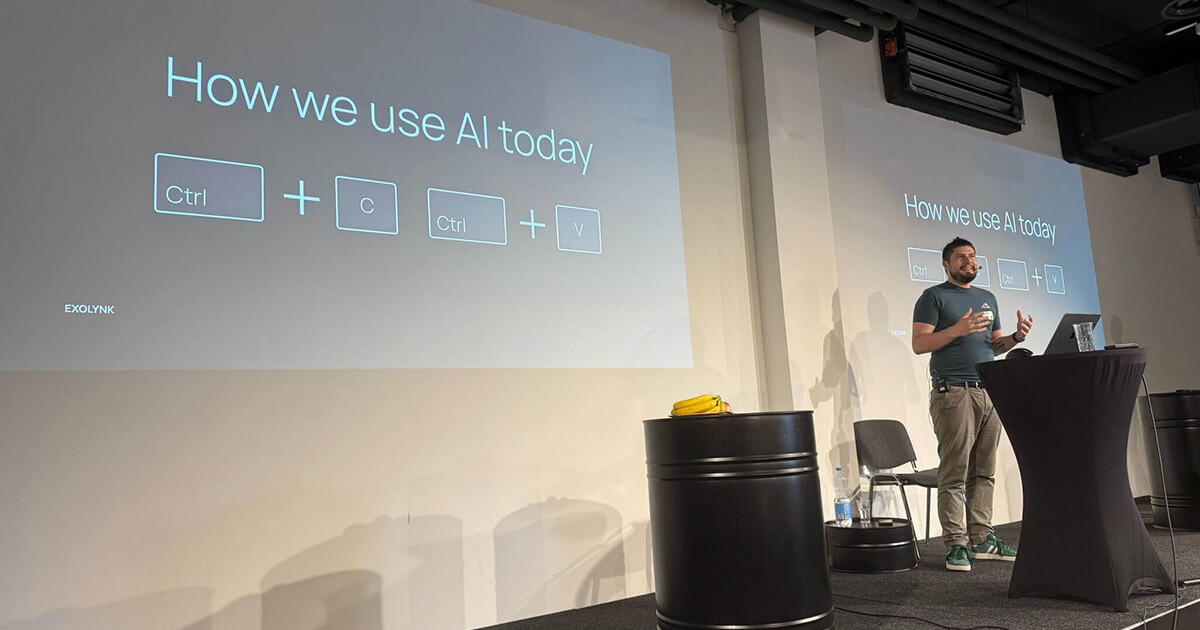
Exolynk MCP Integration
Introduction Exolynk MCP Integration - AI-Native Low-Code Business Apps On August 30th, at the first Vibe Code Fest in Zurich, we had the honor of presenting a feature that will fundamentally change …
And It Works in Slack, Too — No Big Announcement Needed
MCP isn’t tied to a single chat client or a single event demo. Salesforce’s Slackforce pitch — pulling CRM data and updates directly out of a Slack conversation, without opening the app — is something Exolynk has supported for a while now, independent of any product launch:
Proof in Production: Governed AI Access in a Regulated Industry
A live demo is one thing; production use in a regulated environment is another. At Motherson’s Tech Supplier Days, we walked automotive quality managers through how MCP works inside a real Quality Management System — and the roundtable that followed said a lot about what actually matters once the novelty wears off.
Three things came up repeatedly, and all three map directly onto the trust story Salesforce is now also telling with AIforce:
- Data sovereignty is non-negotiable. Full audit trails, strict access control, and on-premise or private-cloud hosting were treated as baseline requirements, not nice-to-haves — especially for suppliers holding proprietary OEM data. In Exolynk’s case, that means Swiss-hosted infrastructure under Swiss law, not a dependency on a foreign hyperscaler’s data-retention promises.
- Human-in-the-loop, by policy, not by hope. Every AI-generated suggestion — a draft deviation report, a proposed root cause — requires human sign-off before it enters the quality record. Exolynk’s MCP integration lets you configure this per tool: some actions can run unattended (checking a status), others always require explicit confirmation (deleting or modifying a record).
- No parallel systems. A tool that forces quality engineers out of their existing workflow does not get adopted, no matter how capable it is. Direct MCP access means the AI meets people in the tools they already use.
That is the same “zero data retention, existing permissions, agents that act within guardrails” pitch as AIforce — demonstrated in a live production environment, in an audited industry, roughly a year before Salesforce’s stage announcement.
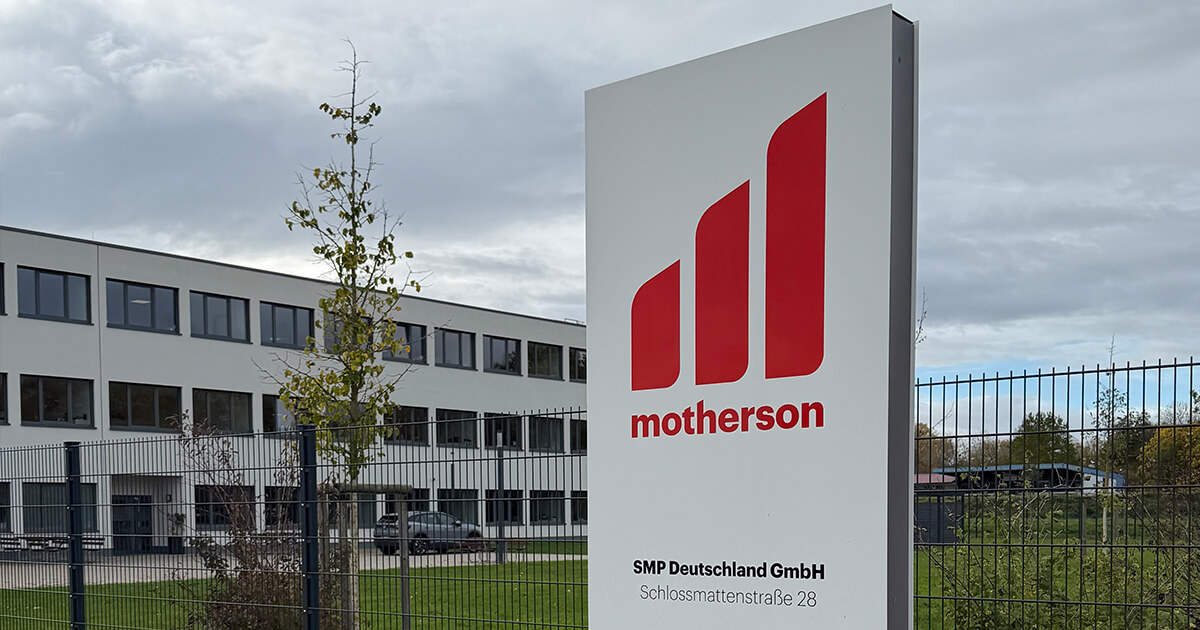
AI QMS in the Automotive Industry
Setting the Scene At Motherson’s Tech Supplier Days, we had the opportunity to present our QMS solutions to a high-calibre audience of automotive supplier quality professionals. What followed …
Salesforce AIforce vs. Exolynk MCP: A Side-by-Side Look
Both platforms are converging on the same architectural idea from different starting points — a large, established CRM suite versus a Swiss low-code platform. Laid out side by side, the differences are mostly about scope, hosting model, and how long the pattern has been running in production.
| Salesforce AIforce | Exolynk + MCP | |
|---|---|---|
| Core idea | Expose CRM data, logic, and workflows to AI interfaces outside the Salesforce UI | Expose business-app data, logic, and workflows to AI interfaces outside any fixed dashboard |
| Protocol | MCP (via Claudeforce), plus proprietary APIs and skills | Native, open MCP |
| Announced / live | Announced at Dreamforce ‘26 (beta for Claude integration) | Live in production since August 2025 |
| Data hosting | Salesforce cloud infrastructure (US-headquartered vendor) | Swiss-hosted, under Swiss data protection law |
| Governance model | Existing permissions enforced per request; “zero data retention” with model providers | Per-tool policy: unattended vs. confirmation-required, fully configurable |
| Underlying platform | Established, feature-rich CRM suite | Low-code platform for custom business applications |
| Where it fits | Organizations already standardized on Salesforce | Organizations building or digitizing their own processes, who want direct control over data residency and tool governance |
The point of this table is not “one is better.” It is that the direction — AI as the primary interaction layer, with a governed, deterministic system underneath — is now something two very different vendors have independently converged on. That is usually a sign the pattern is real, not a marketing angle.
The Other Half of the Story: Why We’re Still Shipping a New UI
Everything above could read as “AI wins, the GUI loses.” That’s not our position — and it’s why, this fall, we are releasing a completely new user interface for Exolynk alongside our MCP work, not instead of it.
Many of our customers value a GUI for reasons that get lost in AI hype cycles. Some tasks are genuinely faster by clicking than by describing them in a chat window. Some users simply prefer a visual workflow. And increasingly, we hear a more strategic reason: customers want their day-to-day operations to be independent of AI — not tied to a model provider’s uptime, pricing changes, or policy decisions they don’t control.
That independence is a deliberate design choice, not a fallback. Exolynk is built so the platform runs completely without any AI component if needed. Every workflow, every business object, every action an AI assistant can trigger via MCP can equally be triggered by a person clicking a button in the app. AI is an additional way in — not a dependency the platform needs to function.
That is the nuance we think gets lost in “AI replaces the UI” framing, ours included until we say it explicitly: the goal is not to retire the interface, it’s to stop forcing everyone through it. A well-designed GUI and a governed AI layer on top of the same data model aren’t competing bets — they’re the same platform, covering both ends of how people actually want to work.
So, Is the GUI Dead?
Not dead — demoted. What Dreamforce ‘26 signals, and what we have been running in production for a year, is that the graphical interface is losing its position as the default way to interact with business systems. It remains useful for genuinely visual, spatial, or exploratory work. But for the large share of business tasks that boil down to “look something up,” “update a record,” “summarize this,” or “turn this document into structured data,” a conversation with an AI assistant that has governed, direct access to the underlying system is now a faster, lower-friction path than any dashboard.
The organizations that will benefit most are the ones whose business logic and permissions are already clean enough for an AI to reason over safely — which is a data-modeling and governance problem, not a UI-design problem. That is where we have focused Exolynk from the start.
Whether it’s Salesforce or Exolynk, the pattern is the same: the interface stops being the product. The data model and the governance behind it become the product — the interface is just whatever surface happens to be convenient in the moment.
Where This Leaves Us
Salesforce validating this direction at Dreamforce is, if anything, good news for anyone who has already invested in an MCP-based architecture — it means the rest of the industry is catching up to a pattern that is no longer experimental. If you want to see what governed, production-grade AI access to your own business data looks like — not a keynote demo, but something your team can run tomorrow — the two examples below are a good place to start.
Curious what this would look like for your own processes? Get in touch with us.